After finishing install and config selenium WebDriver, now we go on with first automation script.
Create a New Project >> New Package >> New Class (ex: myTestClass.java)
Add Selenium library to your project. Insert below code into your program:
package myTestPack;

import org.openqa.selenium.WebDriver;
import org.openqa.selenium.firefox.FirefoxDriver;

public class myTestClass {
public static void main(String[] args) {
WebDriver driver = new FirefoxDriver();//Open FireFox Browser
driver.manage().window().maximize();//maximize current windows
driver.get("http://google.com");//Goto google.com site
String url = driver.getCurrentUrl();//Get current url
System.out.println(url);//Print the url to console screen
driver.close();//Close browser
  }
}
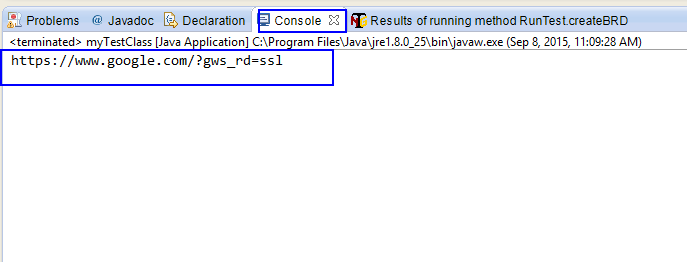
Click save, then right click on current class >> choose “Run As” >> “Java Application” and observe the result. It will open FireFox browser, maximize windows, then access to google site, get current url and print it to elcipse console windows as the picture below:
 Thieu Nguyen